Your Scarlet theme comes with three different customized blog pages in addition to the default blog archive page. Please note: it is very important that you do not delete the page called “Blog Archive – Posts Page” as this is where all blog posts are technically stored.
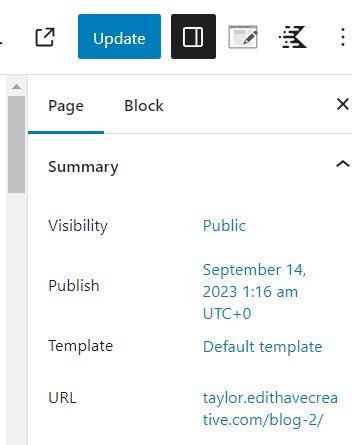
After selecting which layout you want to use (Grid, Full Width, or List), you’ll need to delete the descriptor so the title of the page will just be “Blog” (or whatever you are calling it). You’ll also want to update the url in the summary section of the page settings.
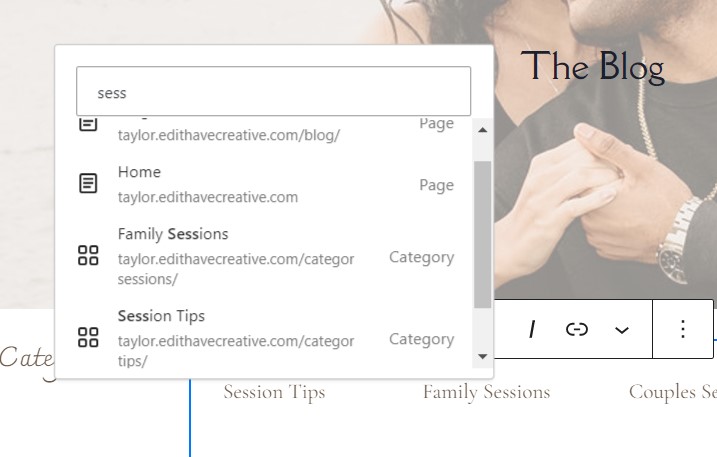
The custom blog layouts have text across the top where you can list and link your categories. Simply edit the demo text to the names of your categories, then link the category pages. You can search for the category name in the link box, and select the one listed as “Category.”