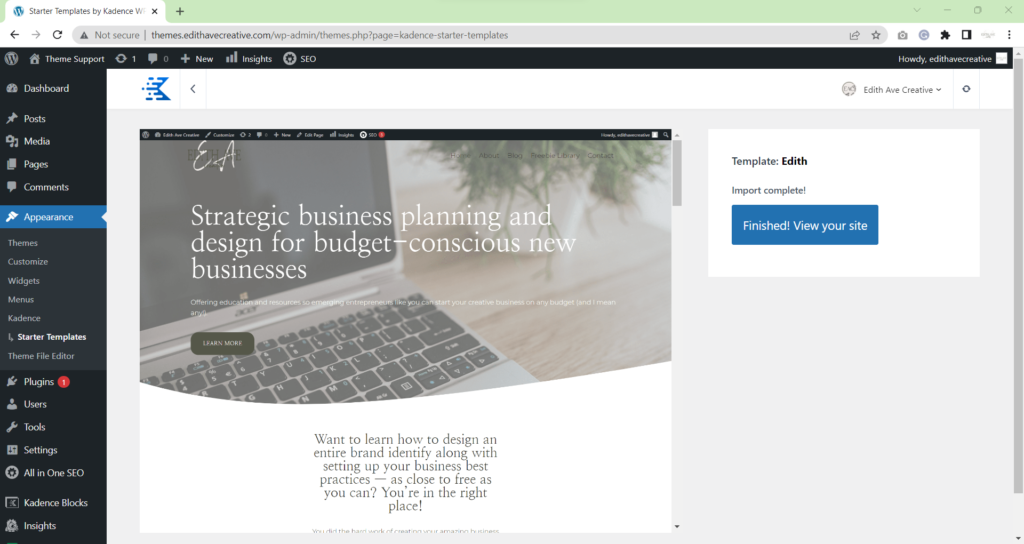
Start at your WordPress dashboard.
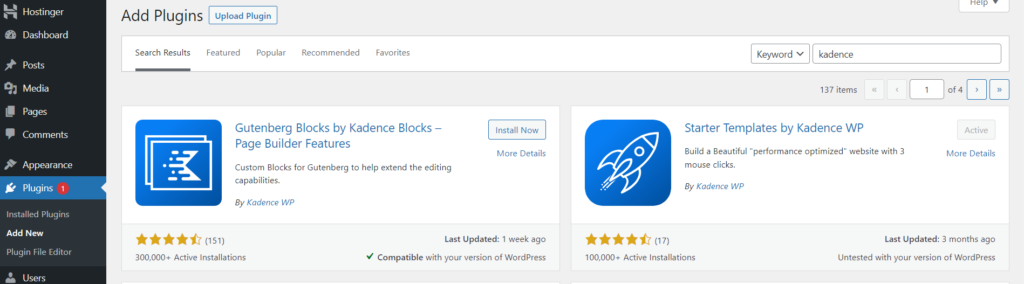
Select Plugins>Add New. Right from the beginning, let’s get a couple plugins installed that will set up your installation process to go smoothly. Search for “Kadence” on the right and then “Install Now” and “Activate” both plugins pictured.
- Gutenberg Blocks by Kadence Blocks – Page Builder Features
- Starter Templates by Kadence WP
Select Appearance>Themes. You’ll notice several themes come preinstalled. I would recommend deleting all but one (just to have as a backup in case any updates ever caused disruption) to save space on your site.
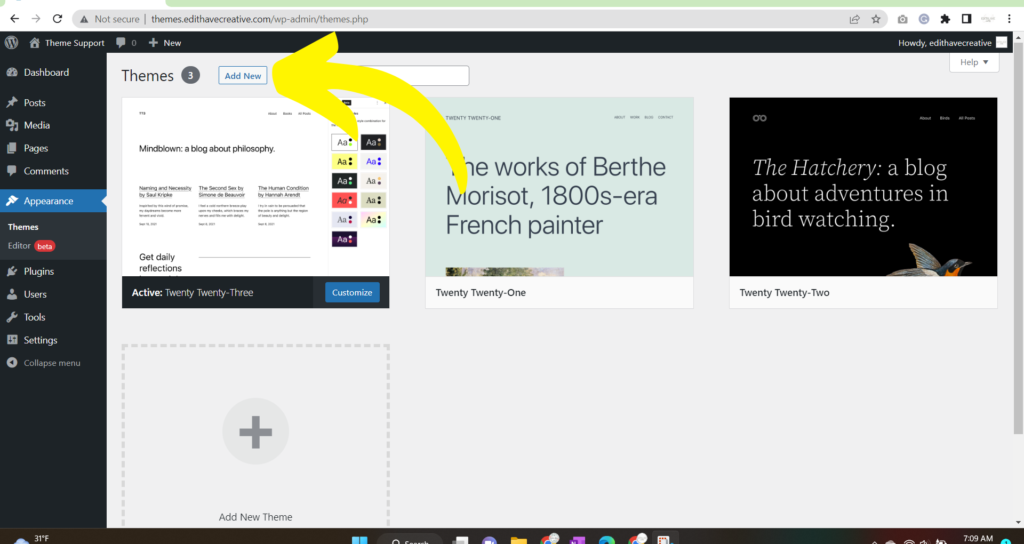
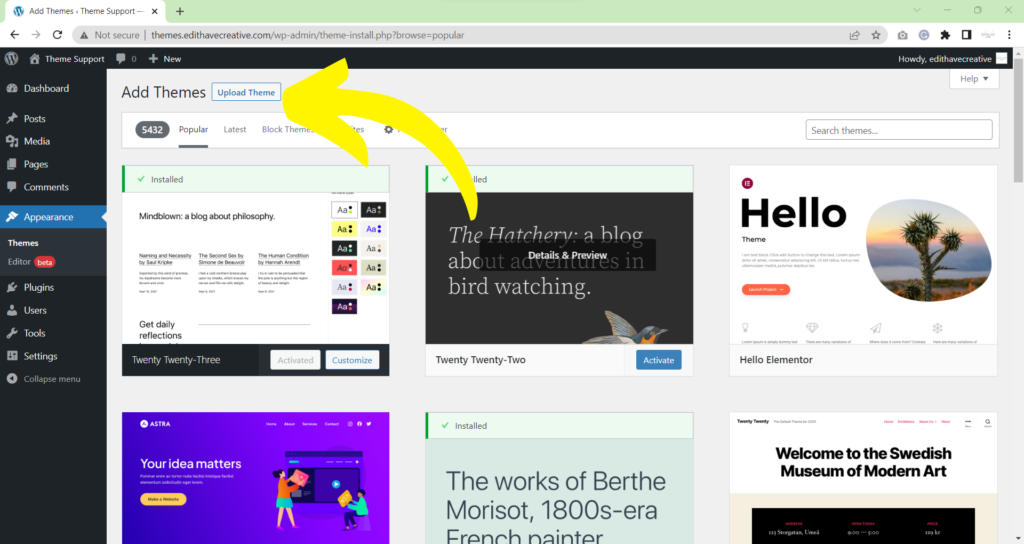
Select Upload Theme
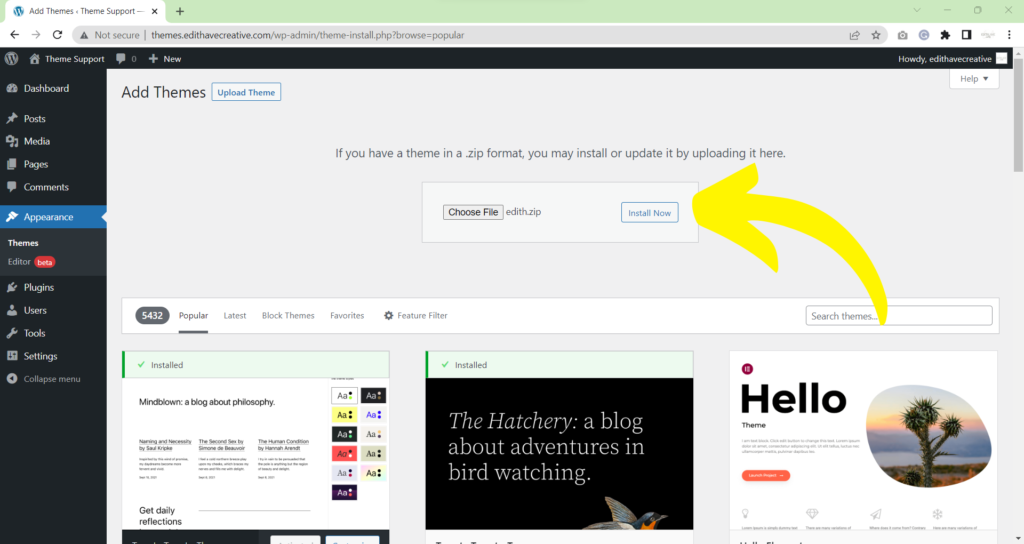
Select Choose File. Navigate to the folder where you saved the zip folder you received. Alternatively you can drag and drop the file into the window. There is no need to unzip the file. Select Install Now
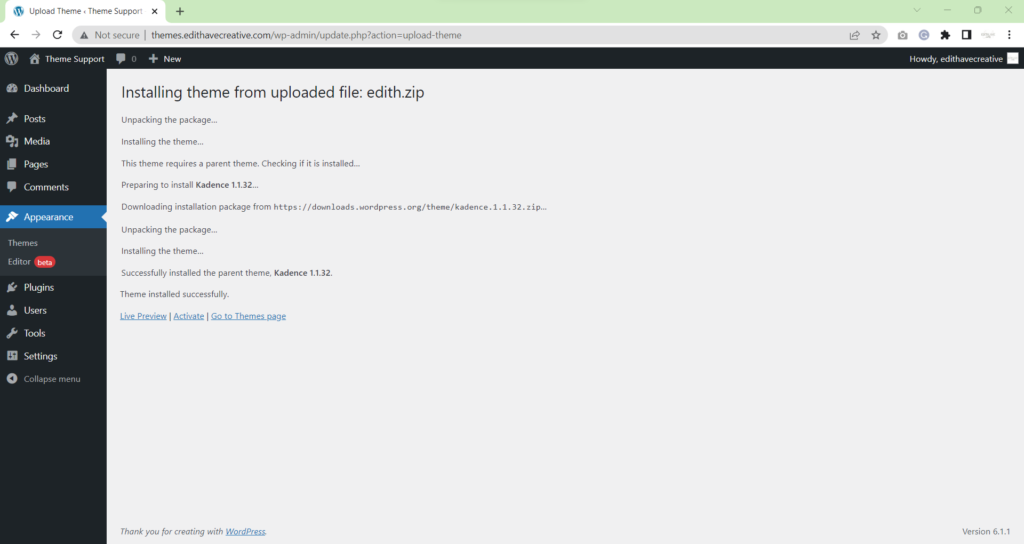
The installer will go through the process of installing the parent Kadence theme and the child theme you uploaded. Select Activate
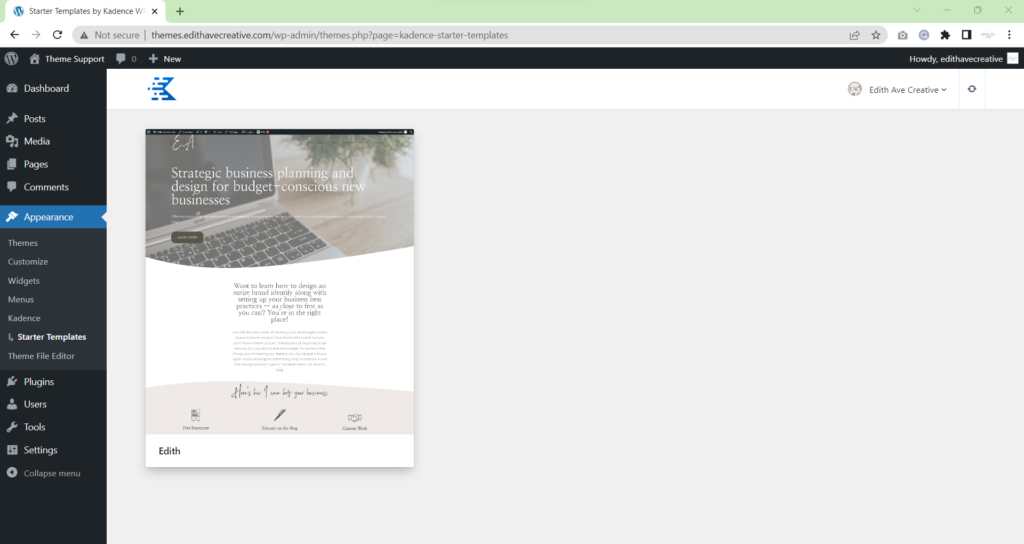
Select Appearance>Themes>Kadence>Starter Templates>Edith Ave Creative
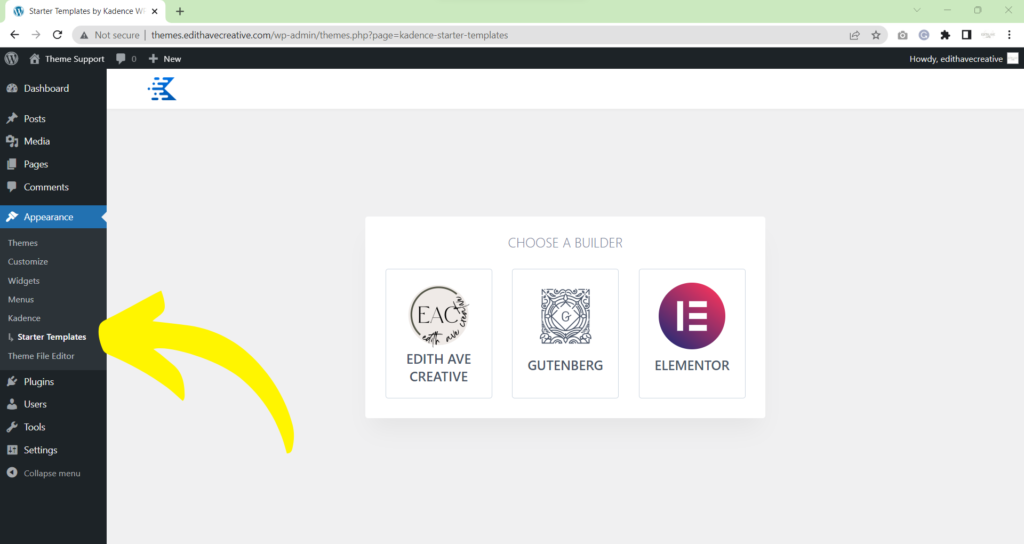
You’ll select the screenshot of your child theme.
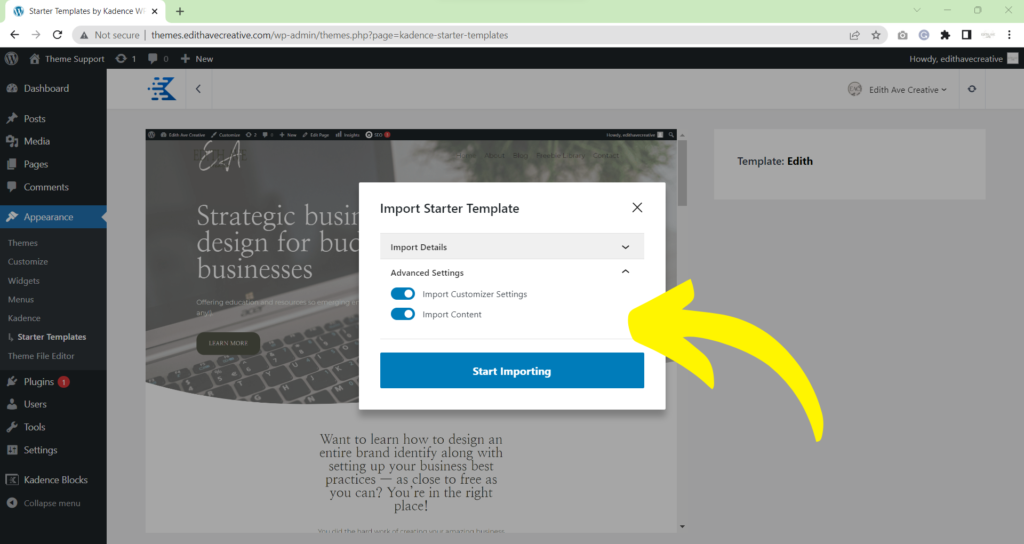
Ensure the advance options are toggled on (Import Customizer Settings and Import Content). Then Select Start Importing
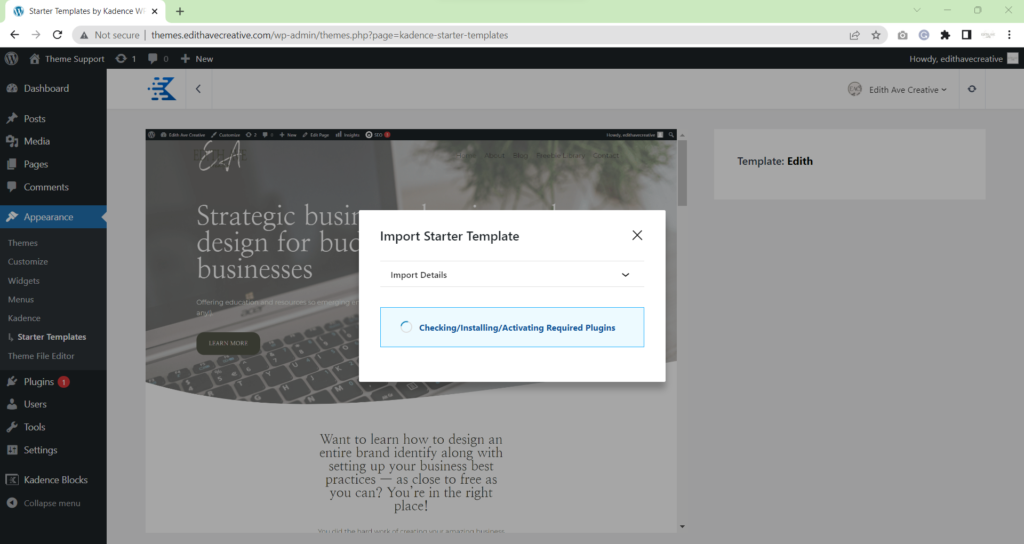
The import wizard will import all data
When the success message is visible, your site is ready to be customized!